

Other
Backups
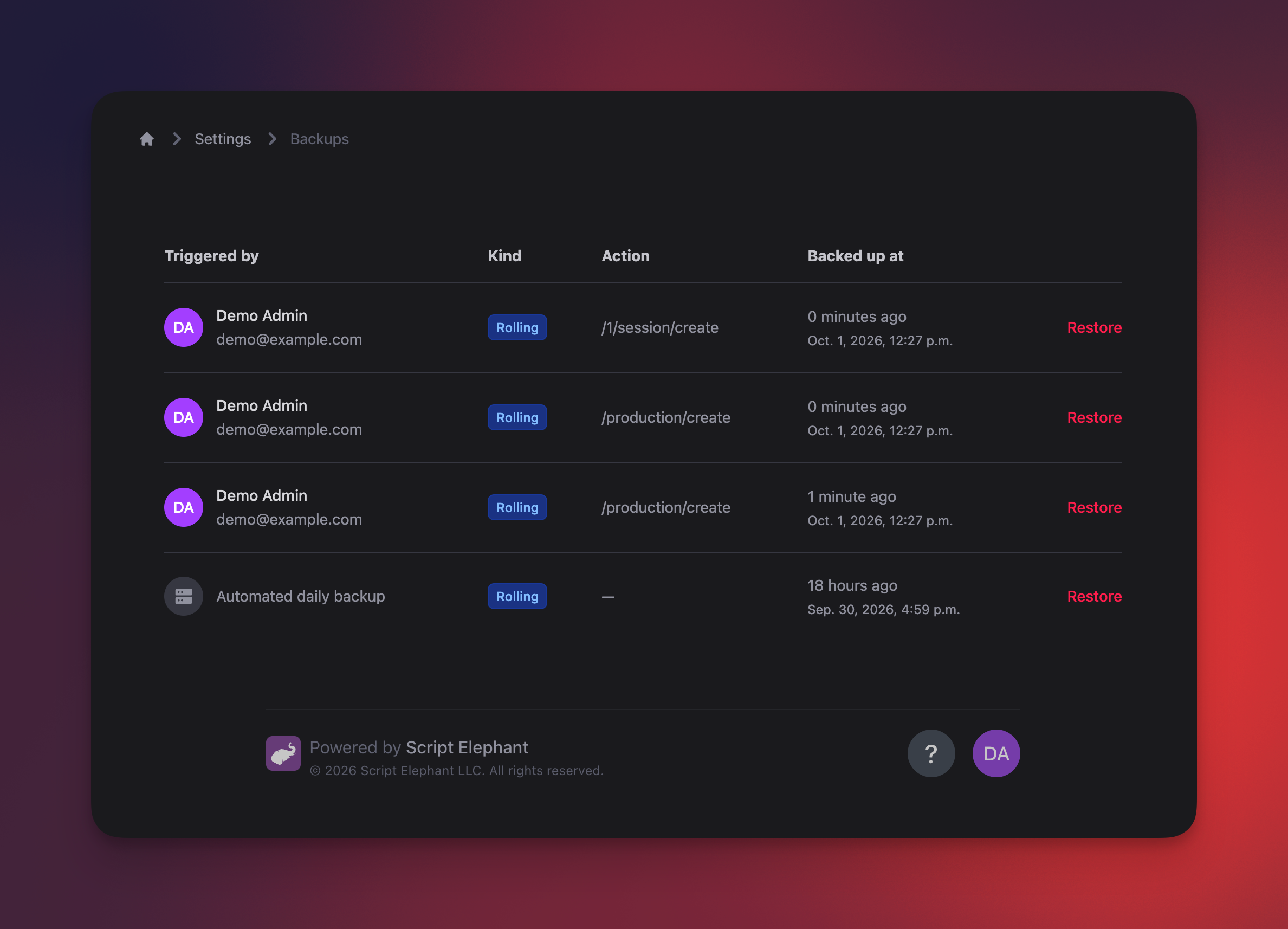
Script Elephant saves a backup of your entire database any time a change occurs on it. These rolling backups are available to view for all admin users in your Backups page shortly after they happen.
To see a list of all recent backups, click your avatar in the lower right corner, then navigate to Settings → Advanced → Backups.
Database wide restoration
These database restores will affect your entire database. This includes any change that has happened across every production, including any edits, additions, file uploads, configuration changes, new users, and more.
It's just like rolling the clock backwards. Your entire account will be reset to the state it was at that point in time.
If you want to undo the restoration, you can still restore to a later point in time.
To restore a backup, just click the Restore button on each row. Your server will be inaccessible for a short time (usually less than 30 seconds) while the data from that point in time is restored.
Backup retention
Backups are retained according to the following policy:
- Point-in-time backups are available for the most recent 24 hours
- Daily backups are available for the last 30 days
If you require access to an older backup, please reach out to our support team.