

Scripting
Viewing Scripts
After creating your script, you can view it in its entirety from the defaulted Script View seen in your Session Dashboard. This is the most comprehensive way to look at your entire script with included cues, and is Script Elephant’s recommended view to load your script when it comes to show time.
In Script View, which is the default view when you enter the Session Dashboard, the entire script loads on one page. That means that even if you lose your internet connection, you'll still have your entire script open without needing to load additional pages.
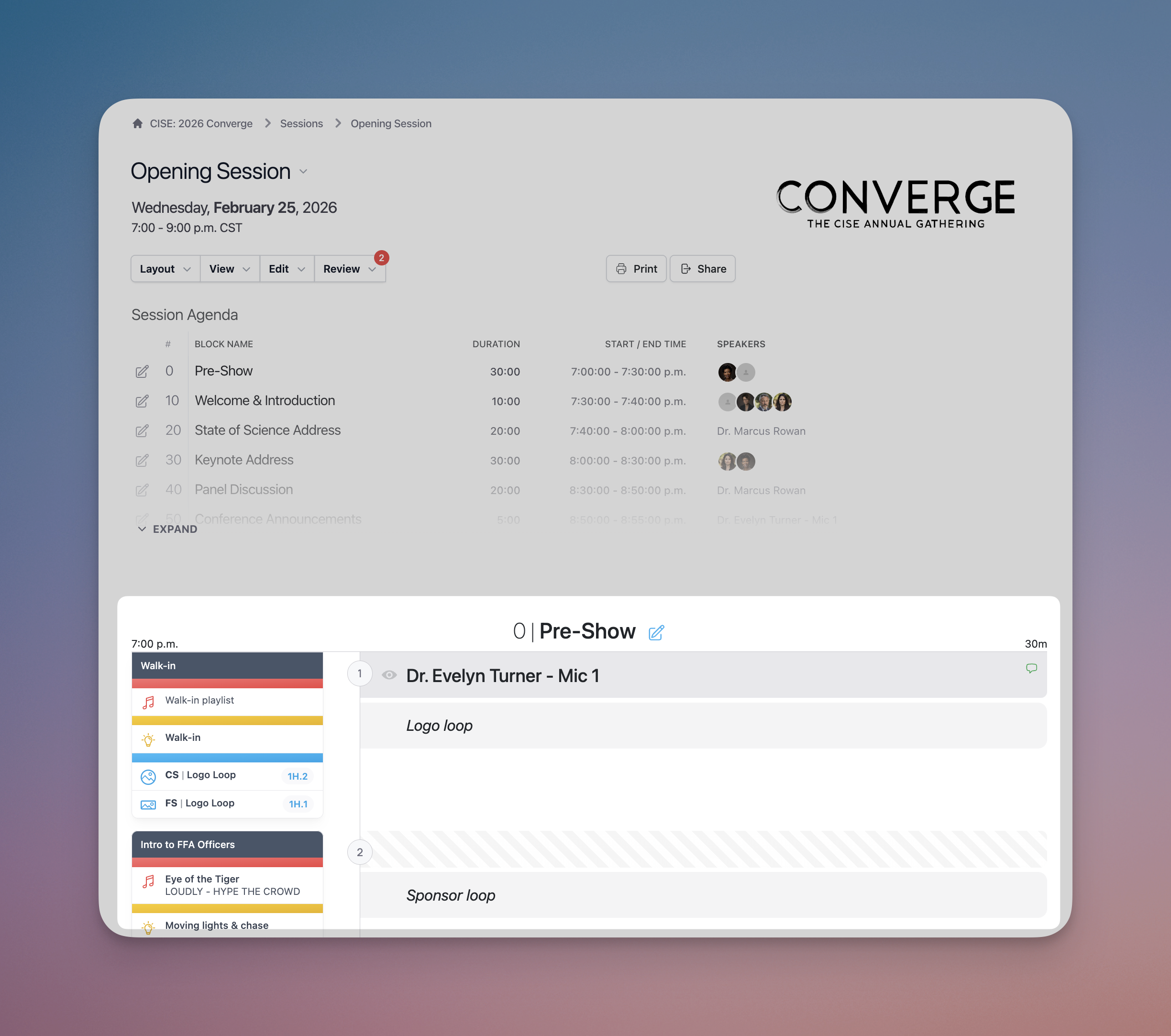
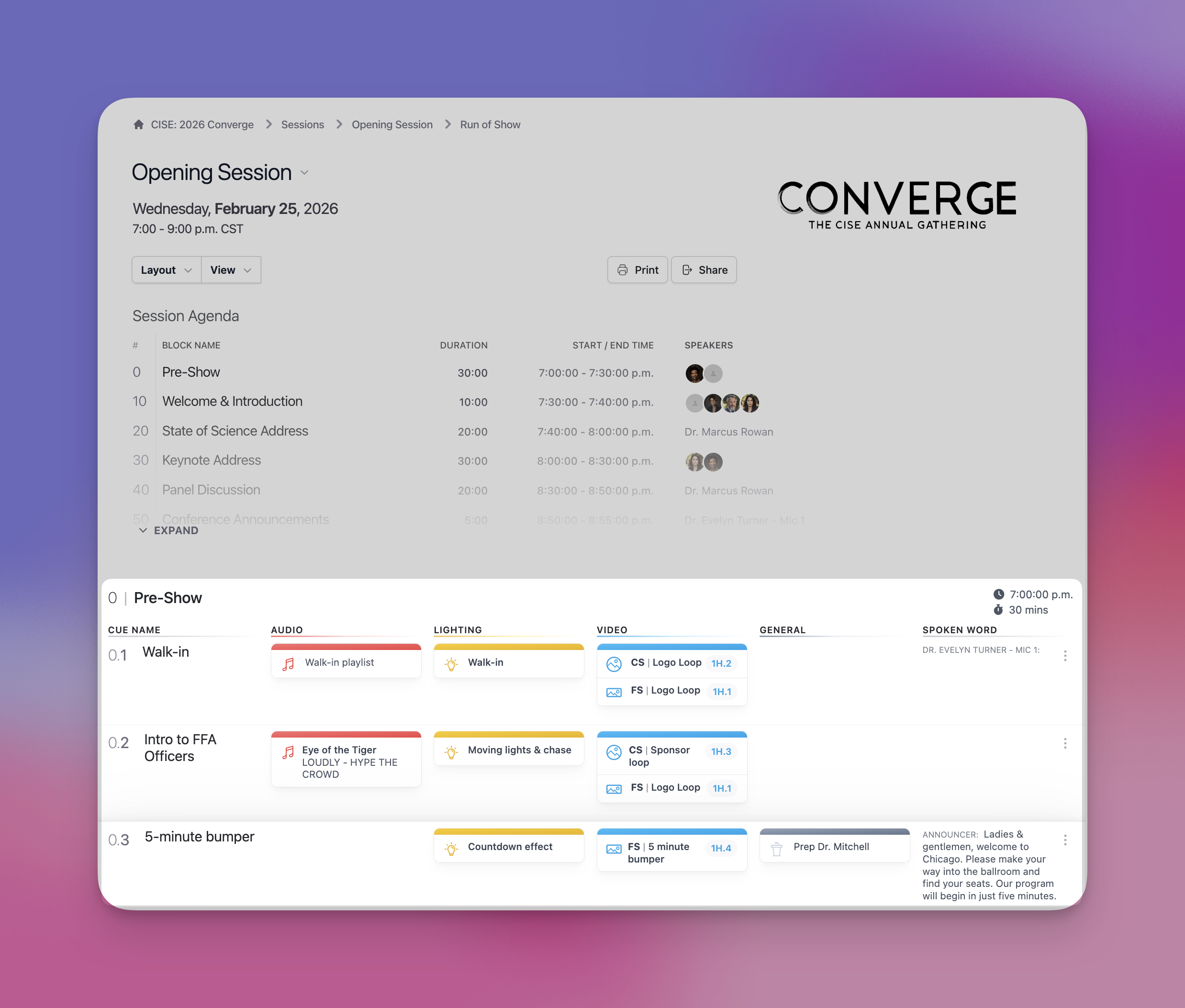
Change your script view using the Layout dropdown menu option to select Run of Show and transition to a more technical, column view of the session. Live show tracking works the same way in both the script view and the run of show view.
The Print button allows you to print a physical or PDF copy of your script. The PDF file is interactive if you click on the Session Agenda blocks, you will automatically be scrolled down to the selected block. You can select Landscape or Portrait layout based on your printed preference.
The Share button will automatically copy the shareable link to the clipboard. You can share the link to people who do not have an account, but they will only have access to the scripted sections. Technical cues are hidden along with any confidential information. The shareable link will expire after the production ends. If you wish for someone to receive access to the full script with cues, you have unlimited user access and give show access to anyone involved in the production.
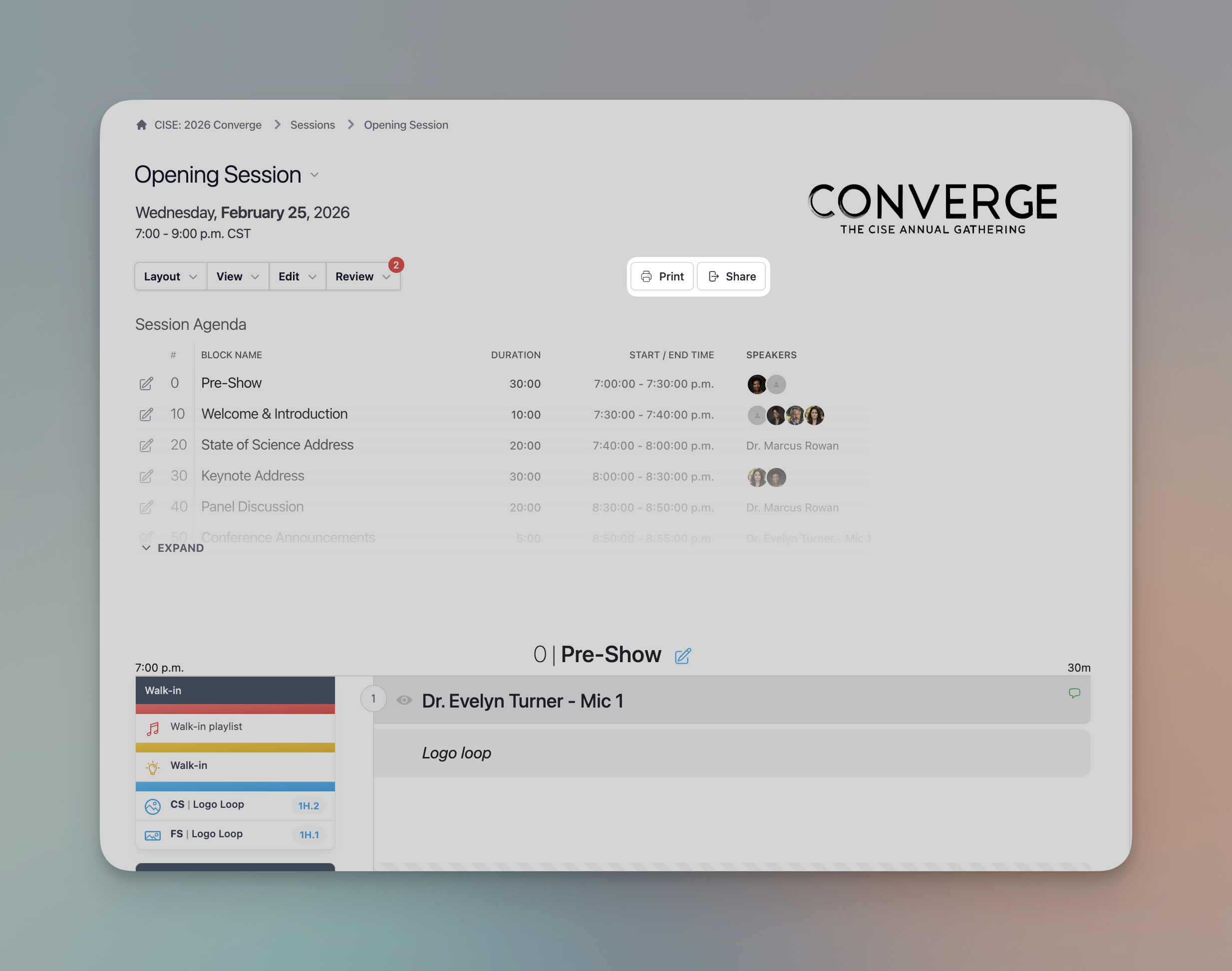
Table of contents
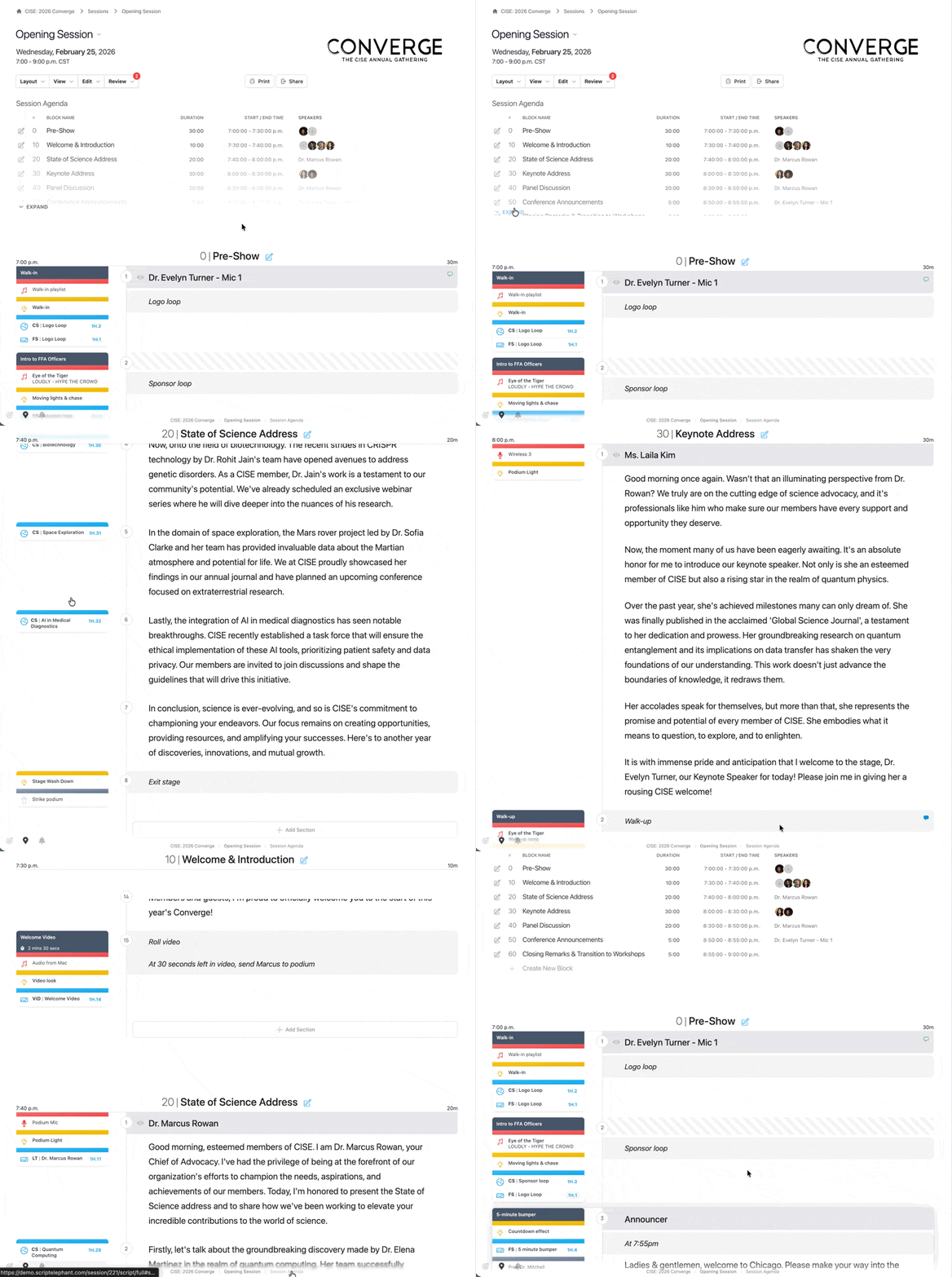
The Session Agenda is a list of blocks that are interactive. Clicking one of the blocks will automatically scroll you down to the selected block.
After scrolling down to a block, you can easily return to the table of contents by clicking the Session Agenda link at the bottom of the page. This is a quick way to jump around your session (for example, during rehearsals).
Live Show Tracking
The script view and run of show views both allow you to control and view live tracking. To learn more about how this works, see live show tracking.