

Cues & Departments
Departments & Subdepartments
In Script Elephant, each production consists of up to four departments (audio, lighting, video and general), which can then be divided into an unlimited number of customizable subdepartments. Every cue exists in one of these subdepartments.
To get you started, each new production includes several subdepartments. You can customize these as needed, including editing or removing them, or creating as many new subdepartments as needed for each production.
Customizing Subdepartments
To add, edit or delete subdepartments, navigate to the production, and then choose the settings tab by clicking the gear icon.

From there, click Subdepartments. You'll see a list of all subdepartments that currently exist in your production and fall under the four main departments.
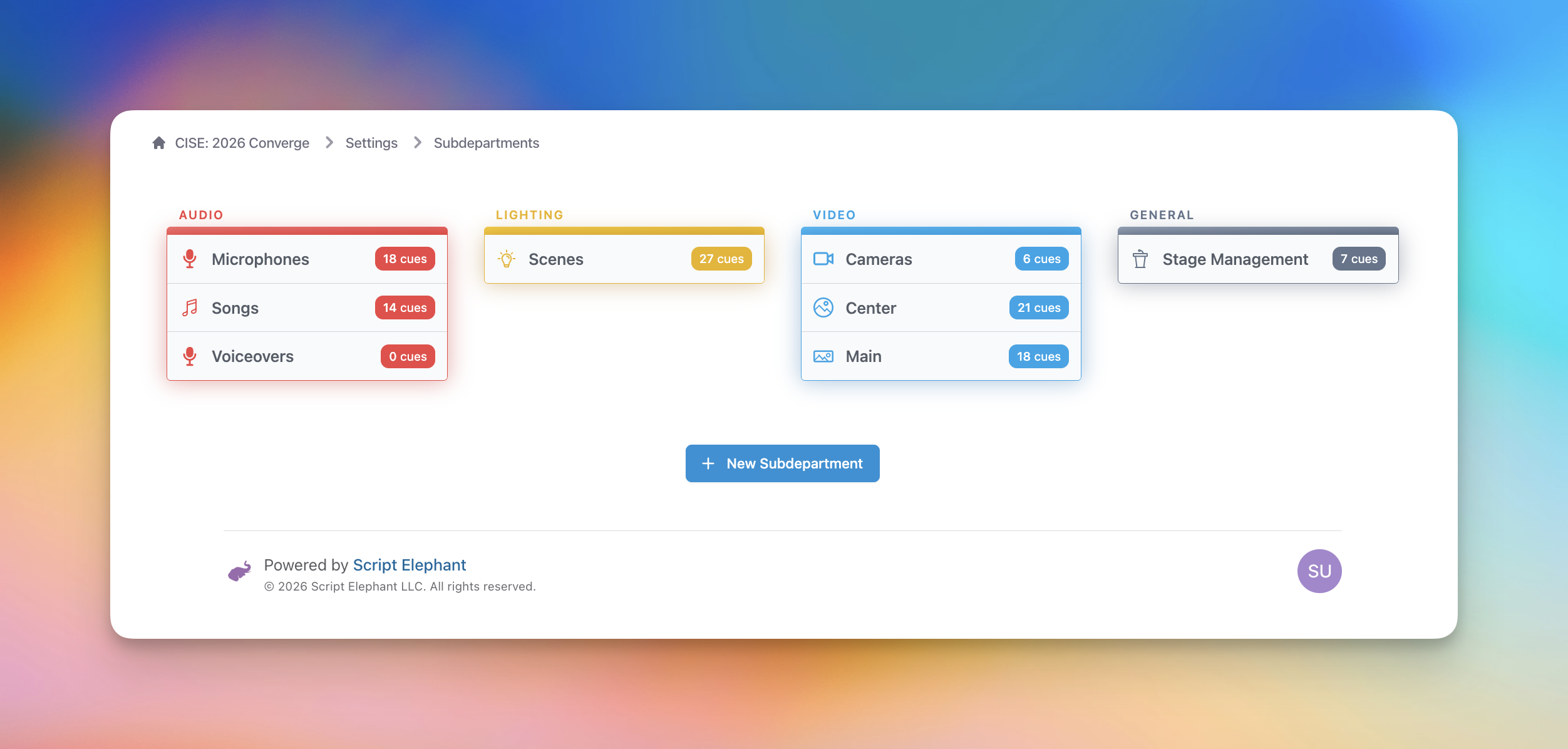
You can click a subdepartment to view every cue that has been made within that subdepartment across the entire production. You can also edit the subdepartment from that same page.
To create a subdepartment, click New Subdepartment at the bottom of the page.
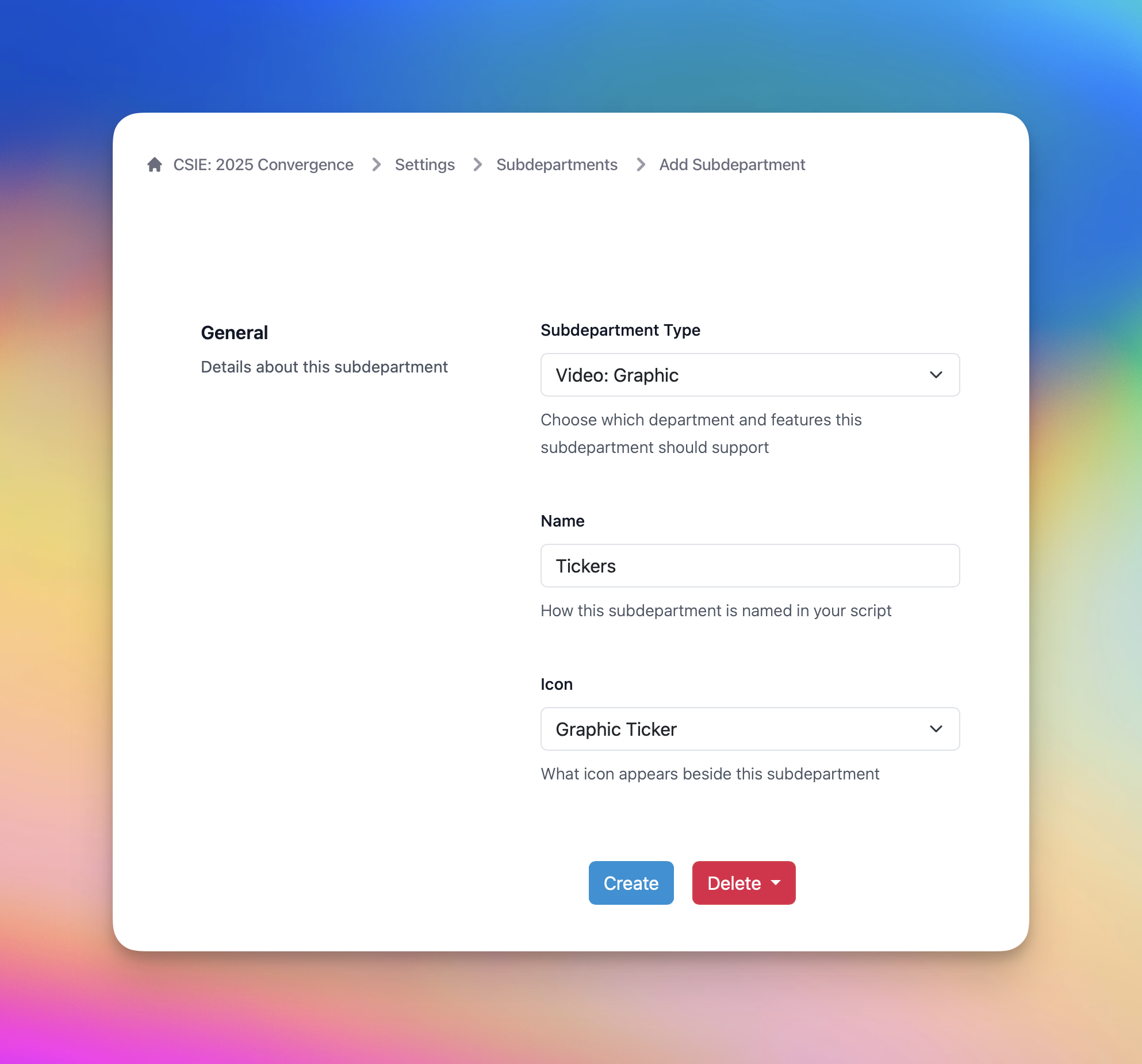
Fill out the form as needed:
- Subdepartment Type: Choose from one of the available subdepartment types. This will affect what features this subdepartment offers.
- Name: Write the subdepartment name you wish to create. This name will appear throughout the platform, specifically in your script and run of show views when you create cues.
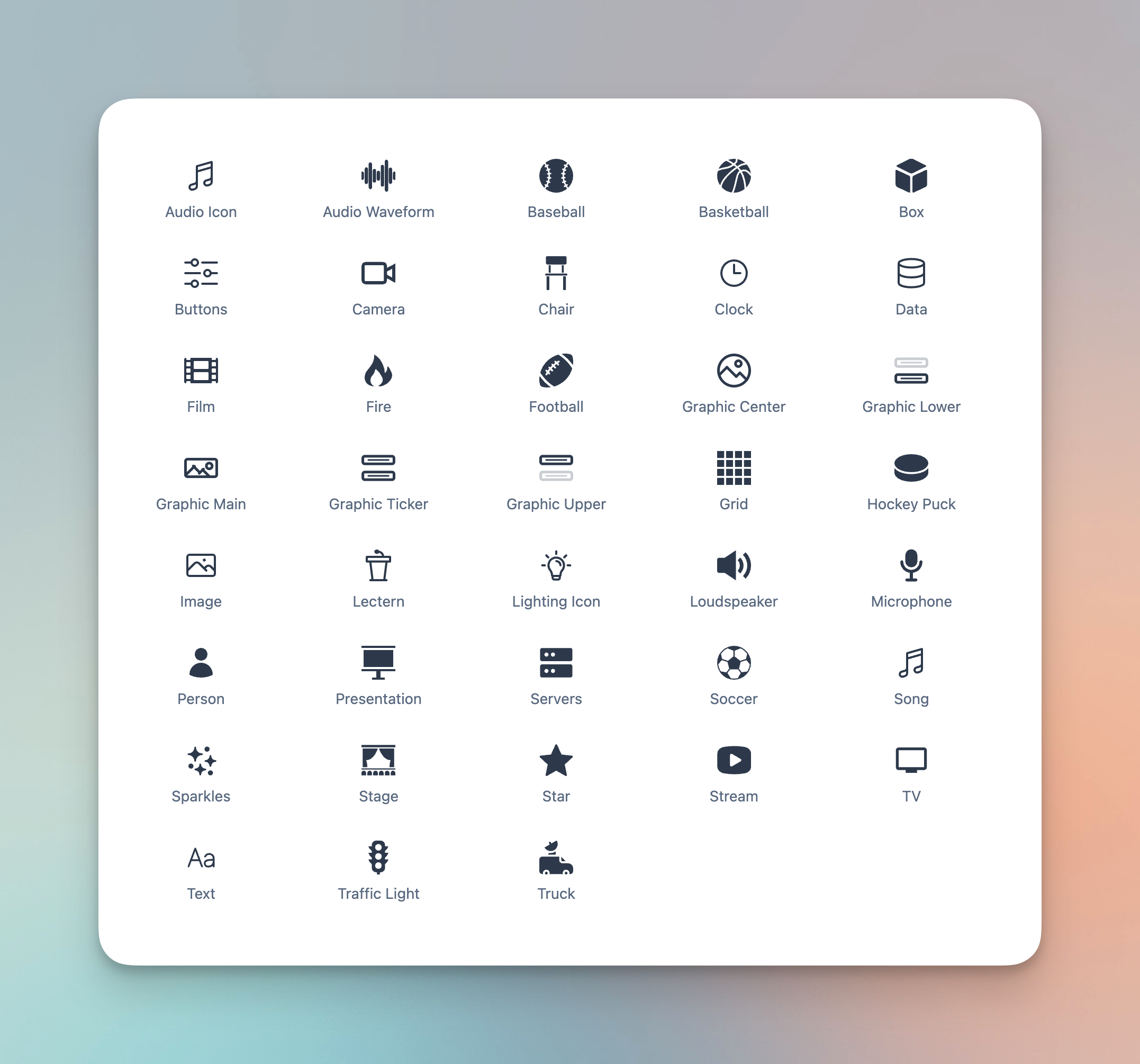
- Icon: Choose one of the available icons from the dropdown. The chosen icon will appear prominently throughout the platform, including the script and run of show views.
Icons
The currently available subdepartment icons are shown below:
Subdepartment Types
For each subdepartment, you can choose a subdepartment type. This will determine which department it falls under (Audio, Lighting, Video or General), and also what features it offers.
Audio Department
- Text: a catch-all for any audio cues
- Song: to cue songs from your library
- Voiceover: to cue pre-recorded voiceovers
Lighting Department
Video Department
General Department
- Text: a catch-all for any other cues