

Productions
Duplicating Productions
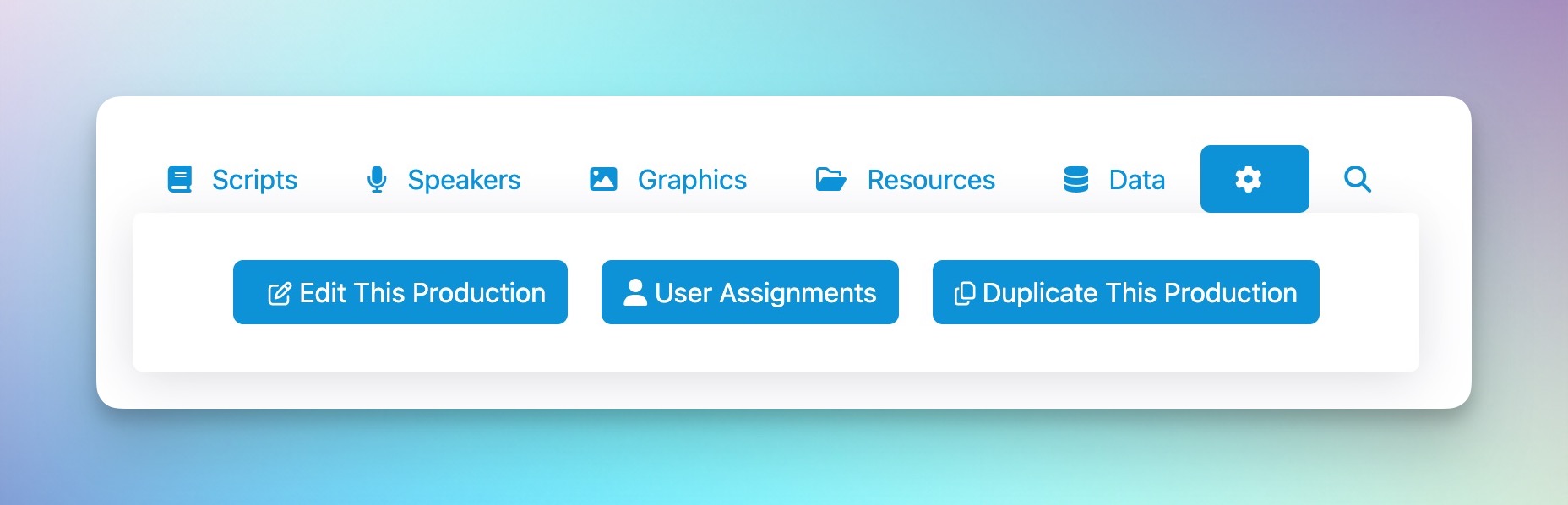
If you want to duplicate a production to use as a starting off point for an upcoming production, navigate to the production you want to duplicate and click the gear icon tab. You’ll see a Duplicate Production button. This is only available to account admins.
The next screen outlines all of the objects that will not transfer over. Everything else in the production, including sessions, blocks, sections, graphics and cues, will all be duplicated.
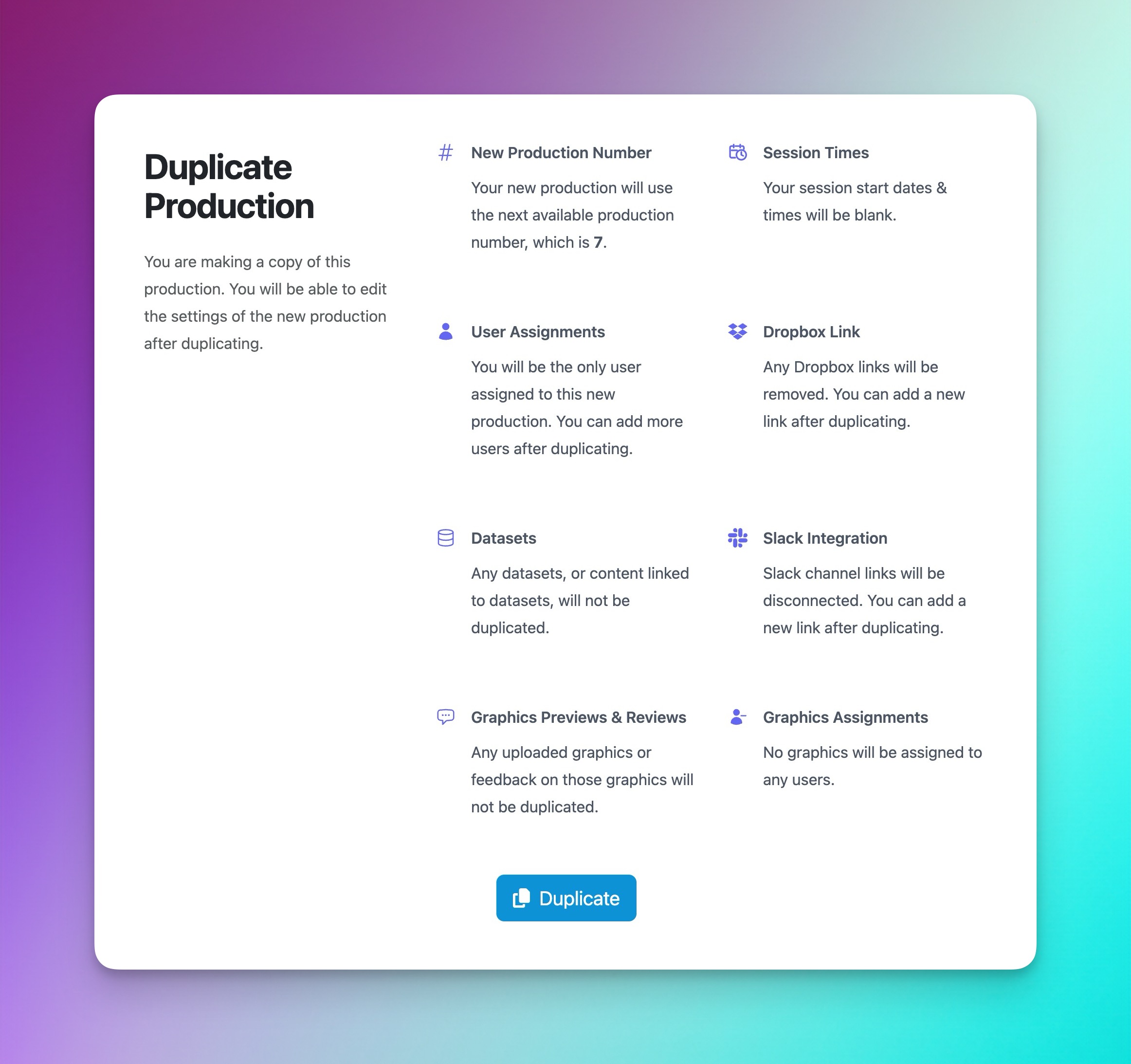
To confirm, click Duplicate at the bottom. Doing this will use one of your production credits. To purchase more credits, please reach out to our support team.